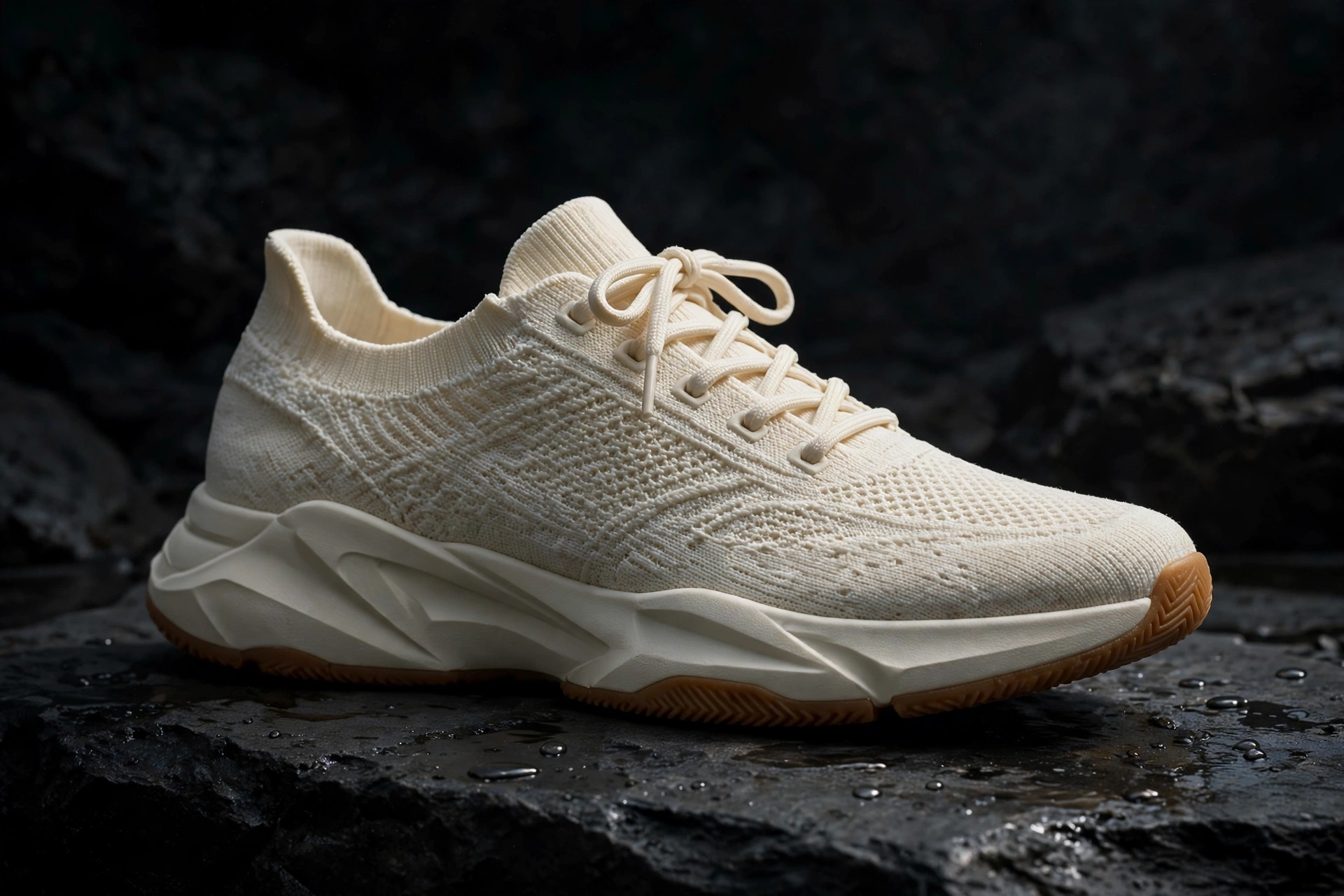
Watch a luxury sneaker ad closely and you will notice something surprising. The shoe itself is rarely doing anything extraordinary. It is not flying through explosions or changing colour every second. What makes it feel expensive is restraint: one strong light, a slow camera, a clean background, and details shown so closely that the material becomes the story.
That is good news if you are creating with AI. You do not need a studio, a turntable rig, a macro lens, or a full shoot day to get that feeling. You need one clean product photo, a clear plan for four shots, and prompts that describe the shoe so precisely that the AI keeps it recognisable from the first frame to the last.
In this guide we will build a complete AI sneaker ad around an invented shoe, the Aurelo Stratus One — a fictional low-top sneaker in cream engineered knit, with a sculpted off-white midsole, a gum rubber outsole, tonal laces, and a small embroidered mark on the heel tab. Aurelo is not a real brand and this tutorial has no affiliation with any brand. The shoe is invented so you can follow the method honestly, then swap in clear photos of your own product and your own wording.
By the end, you will have four copy-paste prompts, a production workflow that protects the shoe’s shape, and a fixes list for the mistakes that make sneaker generations look cheap.
What You Need Before You Start
Do not start by typing a prompt. Start by preparing the shoe. AI video tools work far better when they are animating a known object than when they are inventing one from a sentence, so your first job is to give the tool as little to guess as possible.
You need four things:
- One clean product photo. A side view on a plain background, in sharp focus, with the whole shoe inside the frame. Avoid wide-angle phone distortion, heavy shadows across the upper, and photos where the sole is hidden. If the photo is crooked or the knit looks grey in real life but warm cream in the photo, the video will copy that confusion.
- An AI image tool. You will use it to tidy the product photo if needed and, more importantly, to build a reference sheet with several consistent angles of the same shoe.
- An AI video tool. Any image-to-video tool you already use is fine for this method. Workspaces such as Google Flow, introduced by Google as an AI filmmaking tool, are built around generating and organising short cinematic clips from prompts and reference material, which is exactly the shape of this project.
- A simple video editor. You only need the basics: place clips in order, trim the start and end of each clip, add a short line of text if you want one, and lay a music track underneath at a level that does not fight the picture.
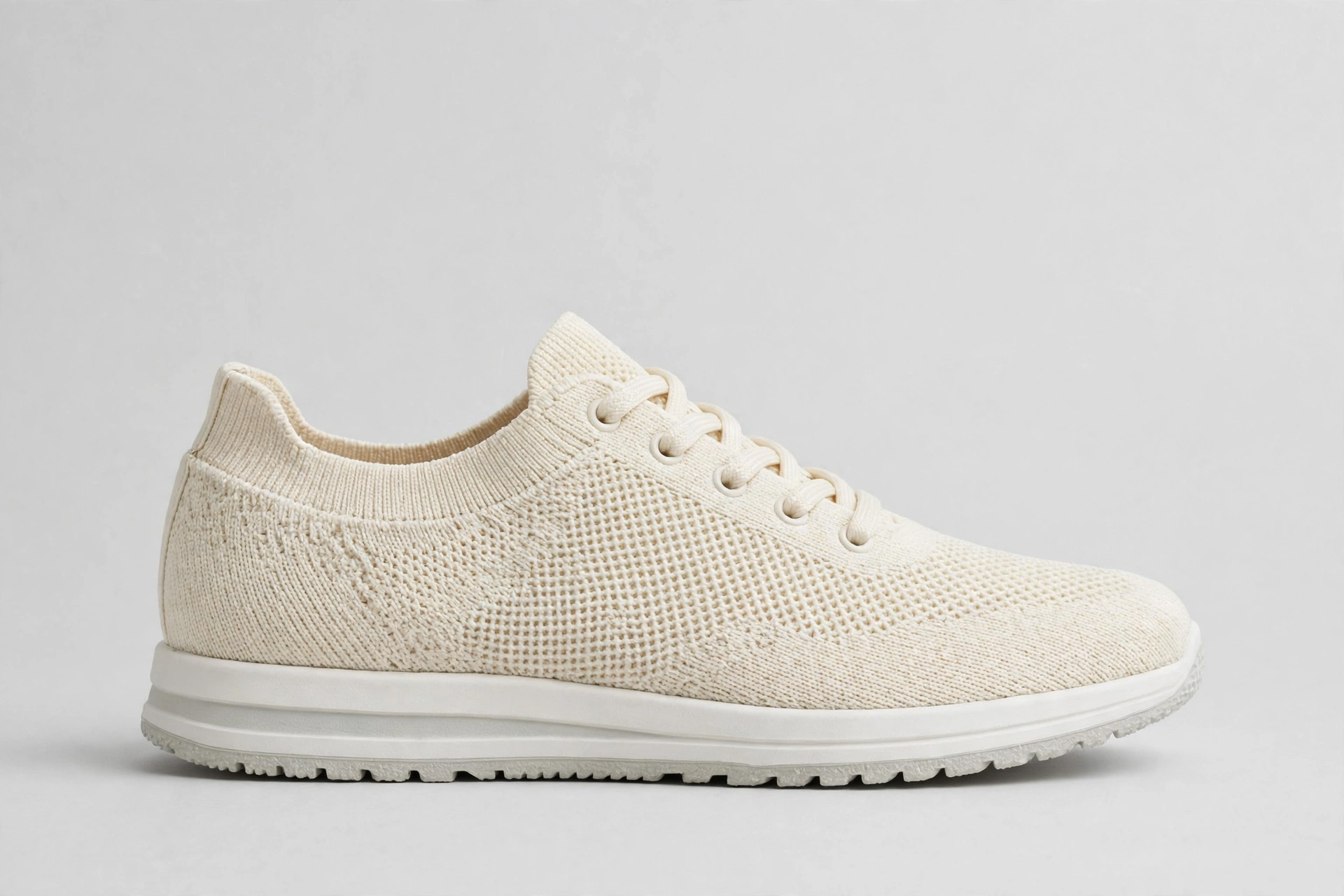
It also helps to write down a short “shoe passport” before you generate anything: silhouette, colours, materials, sole shape, lace style, and where any mark or logo sits. You will paste parts of that passport into every prompt. Repetition feels boring, but with AI video, repetition is what consistency is made of. If you want the thinking behind that structure first, read our guide to writing an AI product video prompt and then come back to these sneaker-specific prompts.
The 4-Shot Structure of a Luxury Sneaker Ad
Most short luxury sneaker ads can be reduced to four shots. Each shot has one job, and none of them tries to do everything. Keep each clip short, generate them separately, and resist the urge to ask for a whole commercial in a single generation — that is where shoes start melting, multiplying, or quietly turning into a different model.
Shot 1: The Hero Reveal
The opening shot answers one question: what is this shoe, and why should I keep watching? The shoe appears from darkness or from behind a soft shadow, the camera moves slowly, and nothing else competes with it. Keep the background plain and darker than the shoe so the cream knit reads as the brightest, cleanest object in the frame.
Copy-paste prompt — Shot 1, hero reveal: “Animate this exact product photo into a luxury sneaker advertisement. Keep the same fictional Aurelo Stratus One low-top sneaker in every frame: cream engineered knit upper, tonal flat laces tied in a neat bow, sculpted off-white midsole, thin gum rubber outsole, small embroidered mark on the heel tab, identical silhouette and proportions, do not redesign the shoe. The single sneaker rests on dark matte stone in a black studio. A soft beam of warm side light slowly reveals the shoe as the camera pushes in very slowly from a three-quarter side view. Fine dust floats gently in the light. Cinematic, calm, premium, photorealistic, no people, no extra shoes, no new logos, no text, no colour change, no bending or warping of the sole.”
Shot 2: The Texture and Material Close-Up
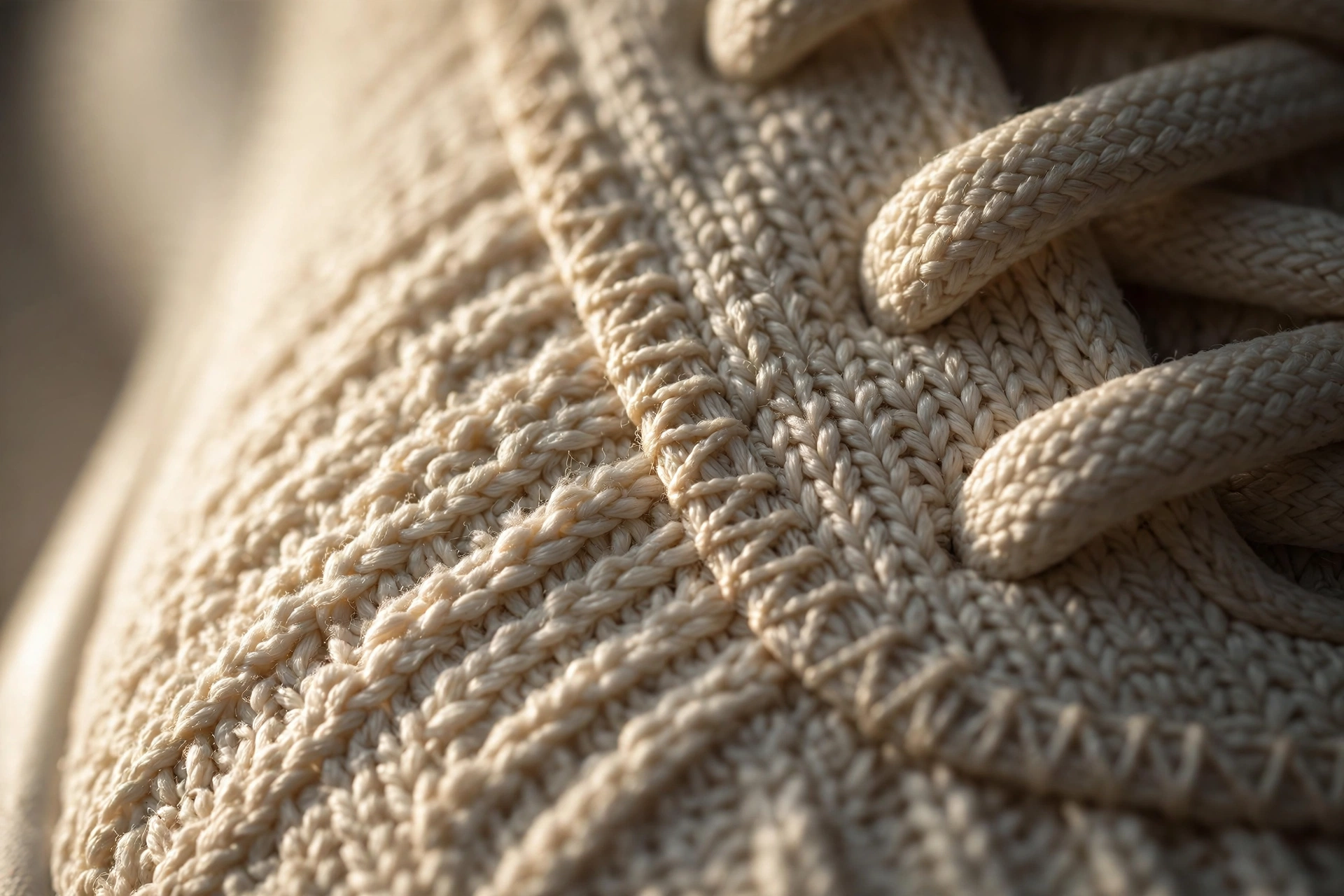
Luxury is mostly detail at close range. This shot moves in on the knit, the stitching, and the edge where the upper meets the midsole. It tells the viewer the shoe is made of something real, even when the footage is generated. Move slowly here as well — a fast macro shot looks like a mistake, while a slow one looks like confidence.
Copy-paste prompt — Shot 2, texture close-up: “Create a slow macro close-up shot for a luxury AI sneaker ad, using the reference shoe exactly as shown: the fictional Aurelo Stratus One, cream engineered knit upper with visible woven texture, tonal stitching, flat cream laces with neat eyelets, smooth off-white midsole edge and a thin gum rubber outsole line below it. The camera glides slowly along the side of the shoe from heel to toe at very close range, shallow depth of field, soft warm light raking across the knit so every thread casts a tiny shadow. Keep the shoe completely still and rigid, photorealistic detail, no morphing, no extra stitching appearing, no logo changes, no text, no people.”
Shot 3: The Motion Shot
Now the shoe earns its name as a sneaker. One clean movement is enough: a slow rotation, a gentle lift and set-down, or a single step-like press that shows the sole flexing in a natural, limited way. This is the riskiest shot for AI, because movement is where soles bend like rubber toys and laces start to swim. Ask for less motion than you think you need. A small, believable movement edited well will always beat an ambitious one that breaks the shoe.
Copy-paste prompt — Shot 3, motion: “Animate the reference shoe into one smooth motion shot for a luxury sneaker advertisement. The fictional Aurelo Stratus One — cream knit low-top, tonal laces, sculpted off-white midsole, gum rubber outsole, same silhouette and proportions as the reference — sits on dark stone, then lifts a few centimetres and sets back down once in a slow, controlled motion, as if placed by an invisible hand. The shoe stays rigid and realistic, the sole keeps its exact shape and does not bend, fold or stretch, the laces stay tied and still. The camera holds a low side angle and moves slightly with the shoe. Soft dramatic side light, black studio background, photorealistic, no feet, no legs, no people, no extra shoes, no text.”
Shot 4: The Final Hero Shot
The last shot is the one viewers remember, and it is the frame most likely to be paused, screenshotted, or used as a thumbnail. Return to the full shoe, give it the cleanest composition of the four, and let it sit almost still. If you plan to add a product name or a short line of text in editing, leave empty space in this shot for it — do not ask the video tool to render the words for you.
Copy-paste prompt — Shot 4, final hero: “Create the final hero shot of a luxury AI sneaker ad from the reference image. One single fictional Aurelo Stratus One sneaker, cream engineered knit upper, tonal laces tied neatly, sculpted off-white midsole, gum rubber outsole, small embroidered heel mark, exact same design, colours and proportions as the reference, standing at a three-quarter angle on dark reflective stone with a soft reflection beneath it. The camera is almost still, with the slowest possible push-in. A rim of warm light traces the top edge of the shoe against a pure black background, with clean empty space above the shoe for text to be added later. Calm, expensive, photorealistic, no people, no extra objects, no generated text or logos, no warping.”
Step-by-Step Production Workflow
With the four prompts ready, production is mostly discipline. Follow this order and you will catch problems while they are still cheap to fix.
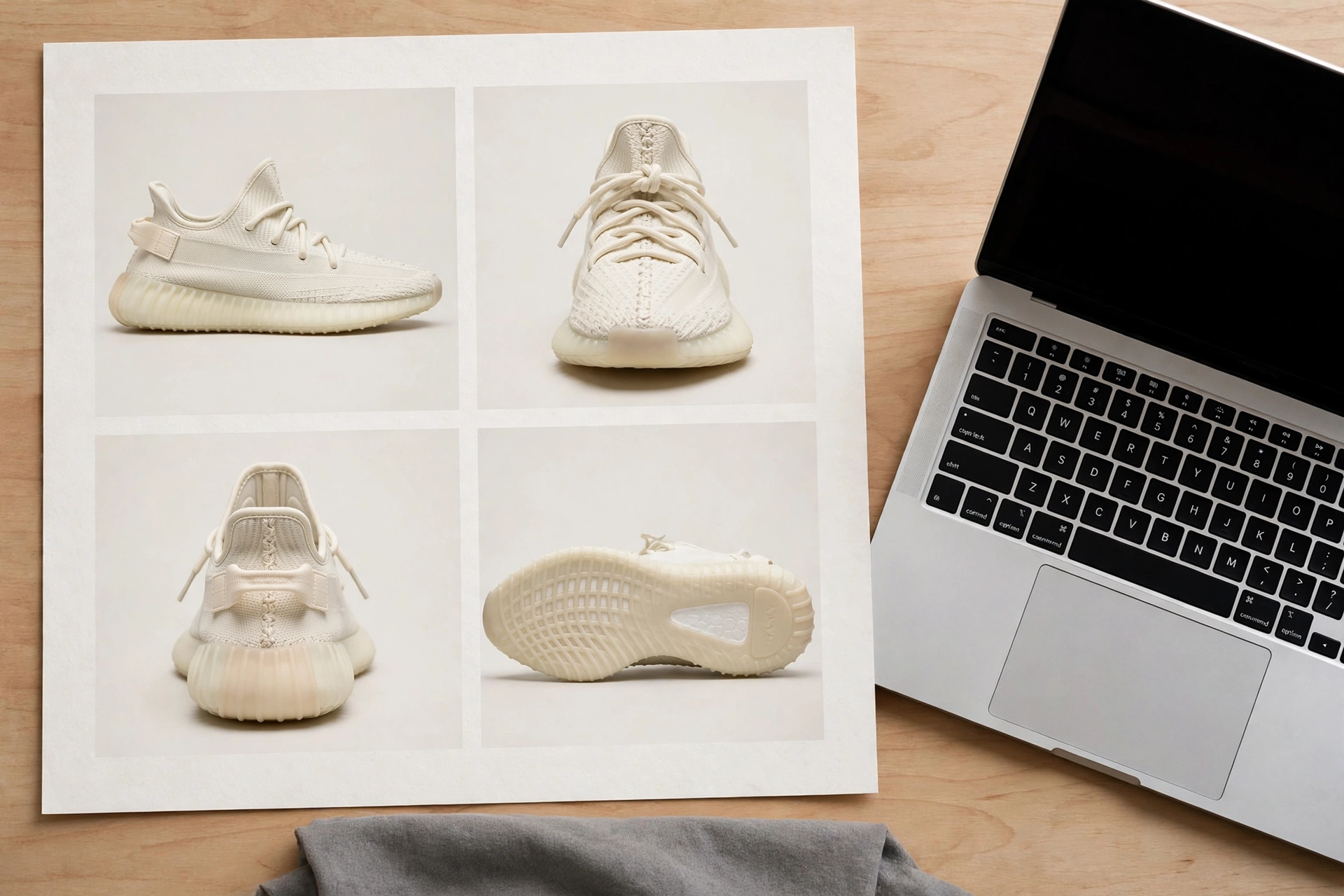
- Build the reference sheet first. Using your image tool and your clean product photo, create one sheet that shows the same shoe from several angles: side, three-quarter front, heel, top-down, and a clear view of the sole. Check every angle against your real photo. If the sheet quietly changes the toe shape or moves the heel mark, fix the sheet before making any video — every clip will inherit its errors.
- Save your shoe passport with the sheet. Keep the written description from the prompts next to the images, and use the same wording in all four generations. Changing adjectives between shots is a quiet way to end up with four slightly different shoes.
- Generate shot by shot, in story order. Make Shot 1 first and judge it only on two things: does the shoe look like your shoe, and does the light feel premium? Then work through Shots 2, 3, and 4 in separate generations, always starting from the reference material rather than from a previous clip.
- Review at full size, frame by frame. Pause on the first frame, the middle, and the last frame of each clip. Look at the toe, the lace eyelets, the heel mark, and the line of the sole. Small errors hide at playback speed and shout in a still frame.
- Regenerate single shots, not the whole ad. If the motion shot bends the sole, shorten the movement in the prompt and generate that one clip again. Treat each shot as a separate asset you can replace without touching the others.
- Keep a simple selects folder. Save your best take of each shot with clear names — shot-1-hero, shot-2-texture, and so on — so editing becomes assembly rather than archaeology.
This shot-by-shot way of working is the same approach we use across our wider tutorials. If you enjoy process pieces like this one, browse the step-by-step guides in our Tutorials & Workflows category, where each workflow is broken into small, repeatable stages.
Editing and Finishing
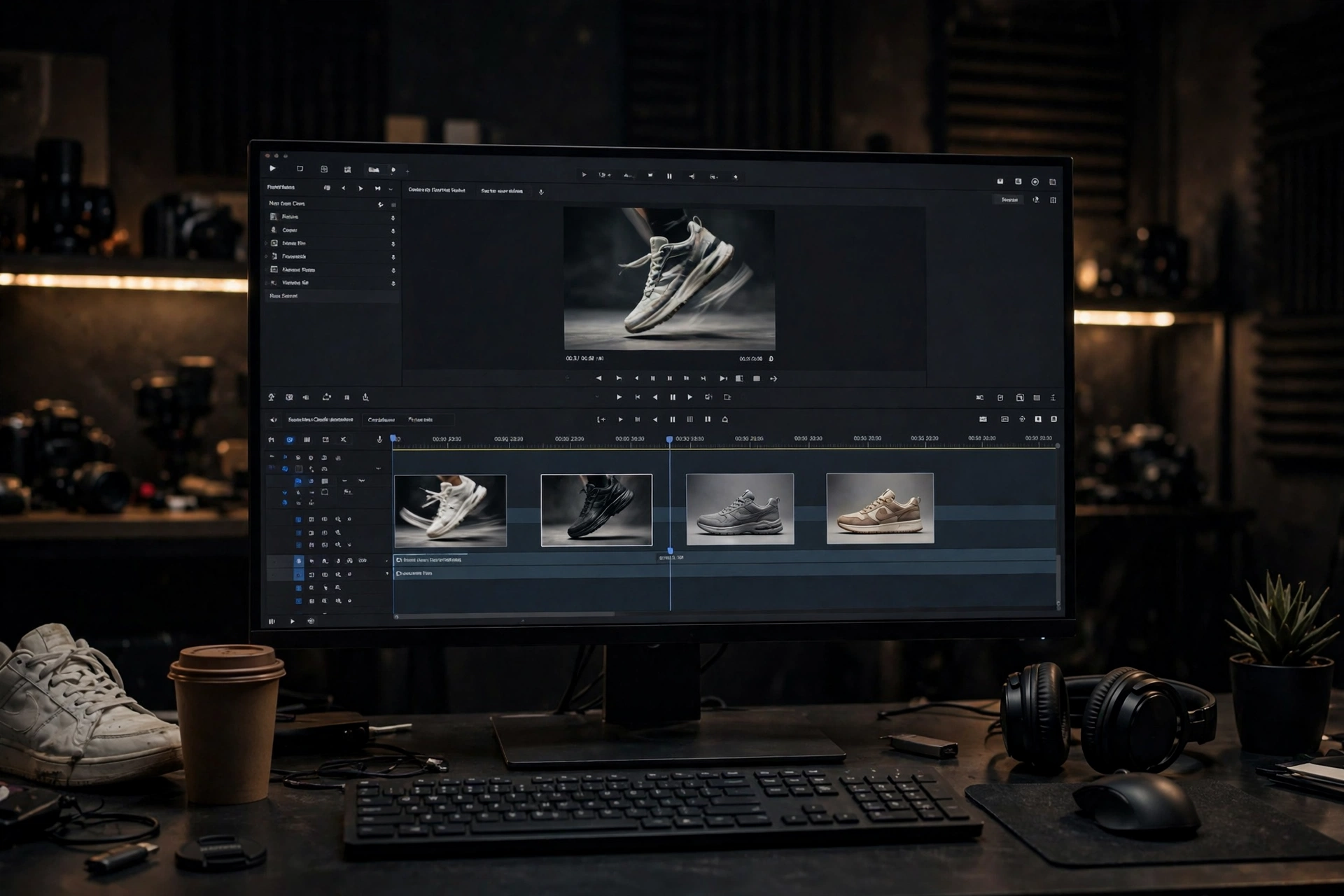
Editing is where four decent clips become one expensive-feeling ad. The principles are simple and they are mostly about removing things.
- Order the clips as planned: hero reveal, texture close-up, motion, final hero. The viewer should feel they are getting closer to the shoe, understanding it, seeing it move, and then remembering it.
- Trim ruthlessly. Cut the unstable first and last moments of each generation, where shapes often settle or drift. Short, clean clips hide a multitude of AI sins.
- Let the cuts breathe. Hold the final hero shot a little longer than the others. Luxury editing is rarely in a hurry.
- Add text sparingly, in the editor. A product name and one short line is plenty, placed in the empty space you left in Shot 4. Text added in your editor stays crisp and correctly spelled; text generated inside a video rarely does.
- Choose music that matches the pace. A slow, minimal track supports the feeling of quality far better than a busy one. Keep it low, and let the picture lead.
- Export and check on a phone. Most viewers will meet your ad on a small screen. If the knit detail, the text, or the heel mark cannot be read there, adjust the edit before you post it.
Sneaker-Specific Mistakes and Fixes
Sneakers fail in predictable ways in AI video. Learn to spot these five and you will save yourself hours of blind regenerating.
- The silhouette changes between shots. The toe gets longer, the collar gets higher, or the shoe slowly becomes a runner instead of a low-top. Fix: repeat the exact shoe passport in every prompt, always generate from the same reference sheet, and reject any clip where the outline differs, even if the lighting is beautiful.
- The sole shape warps. Midsoles ripple, thin out, or melt into the ground, especially in the motion shot. Fix: state plainly in the prompt that the shoe stays rigid and the sole keeps its exact shape and does not bend, reduce the amount of movement, and trim frames where the warp appears.
- Laces move, multiply, or retie themselves. Loose lace ends are small, detailed, and hard for video models to track. Fix: describe the laces as flat, tonal, and tied in a neat bow that stays still, start from a photo where the laces are tidy, and favour angles where the bow is not the centre of the action.
- Logos and marks wander or get invented. A heel mark drifts to the side panel, changes shape, or a new brand-like logo appears from nowhere. Fix: name the mark’s exact position in every prompt, add “no new logos, no extra text”, and check the heel and side panels frame by frame before accepting a clip. If a mark will not stay put, it is often cleaner to feature a plain product photo of your own shoe with minimal branding.
- The shoe bends like it is made of jelly. Uppers fold at unnatural points during movement, which instantly breaks the luxury illusion. Fix: ask for a lift-and-set-down motion instead of walking or running, keep the shoe off the ground for the movement, and never ask an AI sneaker ad clip to show a full stride in your first attempts.
Frequently Asked Questions
Can I make an AI sneaker ad from just one product photo?
Yes, and one good photo is the right starting point. Use it to build a reference sheet with several angles first, then generate each shot from that sheet. One photo used directly for every clip, without a reference sheet, is where shape and colour drift usually begin.
Which shot should I generate first?
The hero reveal. It sets the lighting, the background, and the standard the other three shots have to match. If you cannot get the shoe looking right in a slow, simple reveal, a more complex motion shot will not rescue the project.
Why does my sneaker keep changing shape in the video?
Because the tool is filling in details it cannot see, and each generation fills them in slightly differently. A detailed reference sheet, identical descriptive wording in every prompt, shorter clips, and smaller movements all reduce the guesswork. Shape changes are a prompting and preparation problem far more often than they are a talent problem.
Can I use this method to advertise a real shoe I sell?
Yes — that is exactly what it is for. Photograph your own product clearly, build your prompts around your shoe’s real colours, materials, and sole shape, and describe only what the product actually is. Use your own branding as it appears on your product, and present the finished video honestly as your product presented with AI-generated footage.
Do I need a different prompt for every shoe colour?
You need an adjusted one, yes. Keep the structure and camera language, but update the shoe passport: the exact colour names, lace colour, midsole and outsole colours, and mark placement for that colourway. Then build a matching reference sheet for that colour before generating video.
Conclusion
A luxury AI sneaker ad is not a single clever prompt. It is a clean product photo, an honest reference sheet, four simple shots that each do one job, and the patience to regenerate the one clip that breaks the shoe instead of accepting it. Master that discipline on an invented shoe like the Aurelo Stratus One, and the same workflow will carry straight over to your own product photos.
When you make yours, start with the hero reveal, keep the movement small, and check the sole before you check anything else.
For more like this, explore our tested prompts in the AI Video Prompts library, browse the other product-first guides in AI Product Ads, and follow @thefhd.ai on Instagram, where the original reels, prompts, and workflows behind these articles are posted first.